Free GEO Audit
Dorco

Dorco Color Customizing System and Website Development
KEYWORD #3DCustomizationPlatform #SEO·GEO·AEO_Optimization #DigitalShowroom #InteractiveContent #Three.js #RealTimeRendering #CustomCMS #SmartSearch #ThirdPartyIntegration #DataMigration #DataOptimization #UI/UX #WebDesign #3DDesign #MotionGraphics
The core of the Dorco color customizing system project was enabling everyday users to freely rotate 360°, zoom in and out, and intuitively explore 3D product images right on a web page, something previously possible only with specialized software. Offering interactive features that let users customize products in the colors and materials they want was also our greatest technical challenge and research task.
To achieve this, we reviewed a range of implementation approaches centered on WebGL-based Three.js and ran countless tests to design the optimal environment settings and file structure for expressing the detail of Dorco products. The result is a dedicated system and website where high-quality 3D models can be viewed and customized in real time on the web, with no specialized software required. To solve the data-size problem posed by the enormous number of 2D images needed for every color option of each model and part, we also researched and applied an SVG-based imaging method. By separating and recomposing the color, shadow, and light layers of the original renders, the system reflects the selected color in the image the instant users change it, successfully reducing data size while preserving image quality.
PROJECT OVERVIEW
Dorco keeps growing through relentless research and development in pursuit of the world’s best razor blade (WORLD BEST EDGE).
We developed a system that lets buyers worldwide who are interested in Dorco products discover them and easily place custom orders, free from the limits of time and place,
widening buyers’ opportunities to encounter the products while internally advancing production and DB management to fuel the next stage of growth.
At the outset, we identified the needs of each department, including sales, design, and production, and built the features and screens required at each step;
in particular, we developed a three.js-powered 3D viewer system and color customization feature so Dorco products can be viewed in richer, more three-dimensional detail.
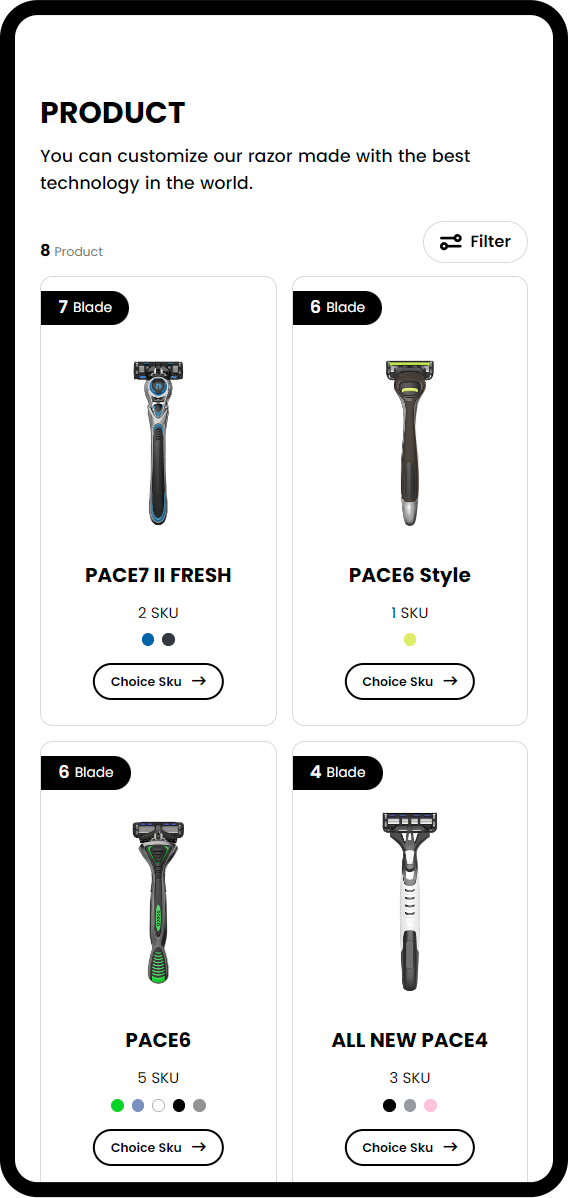
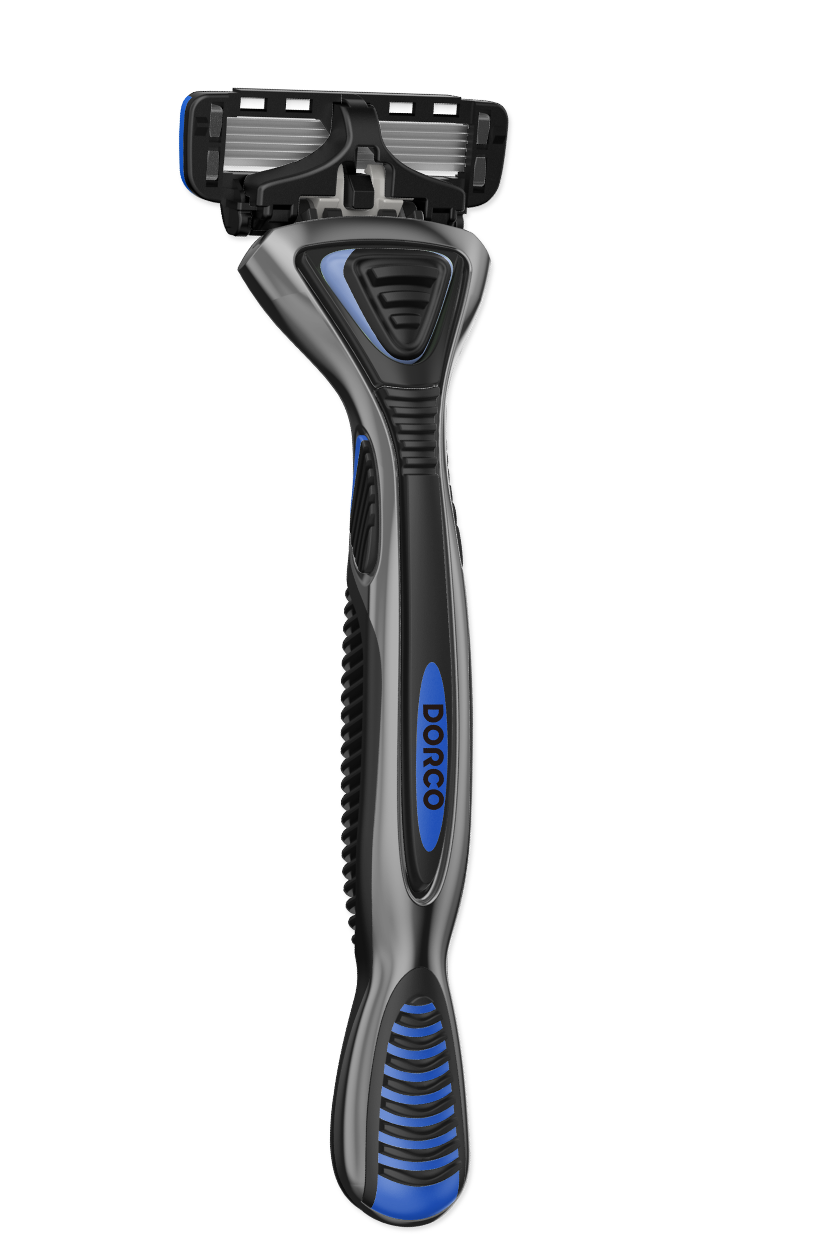
3D Product Customization
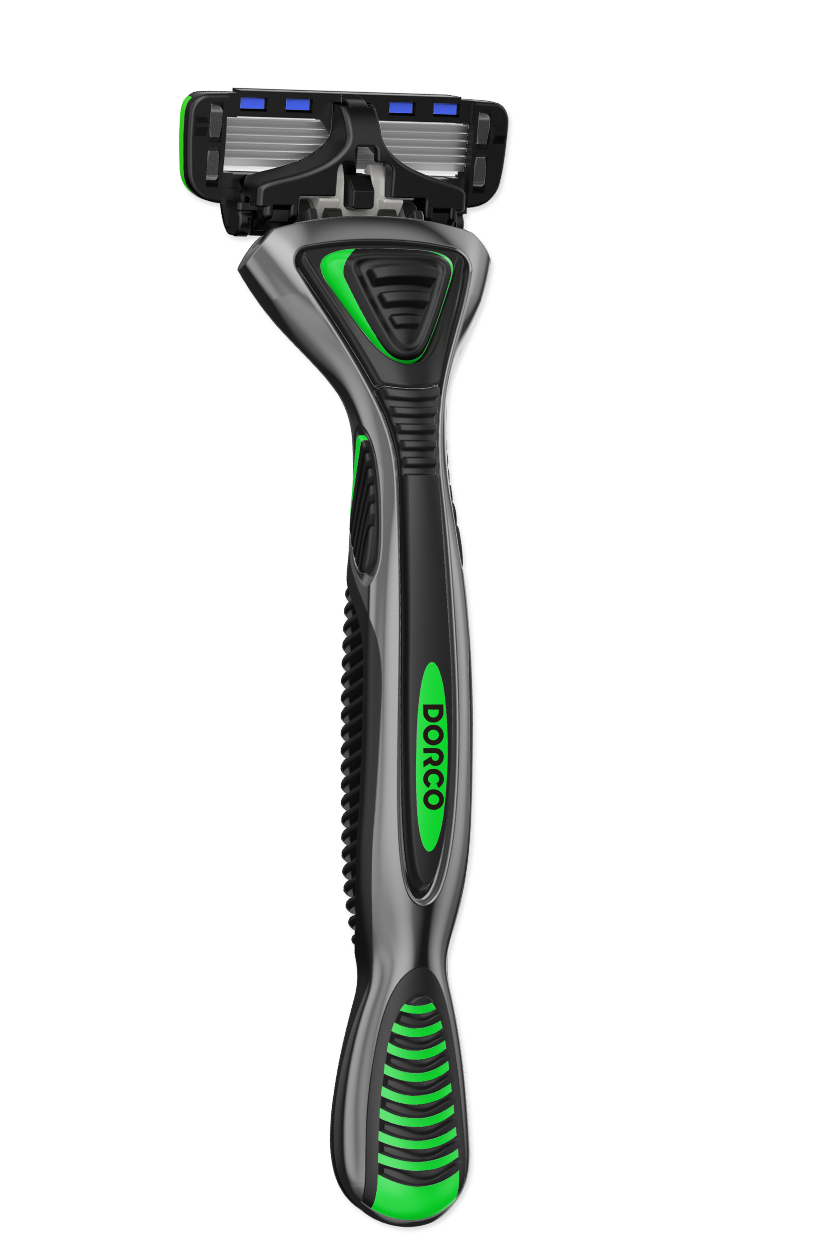
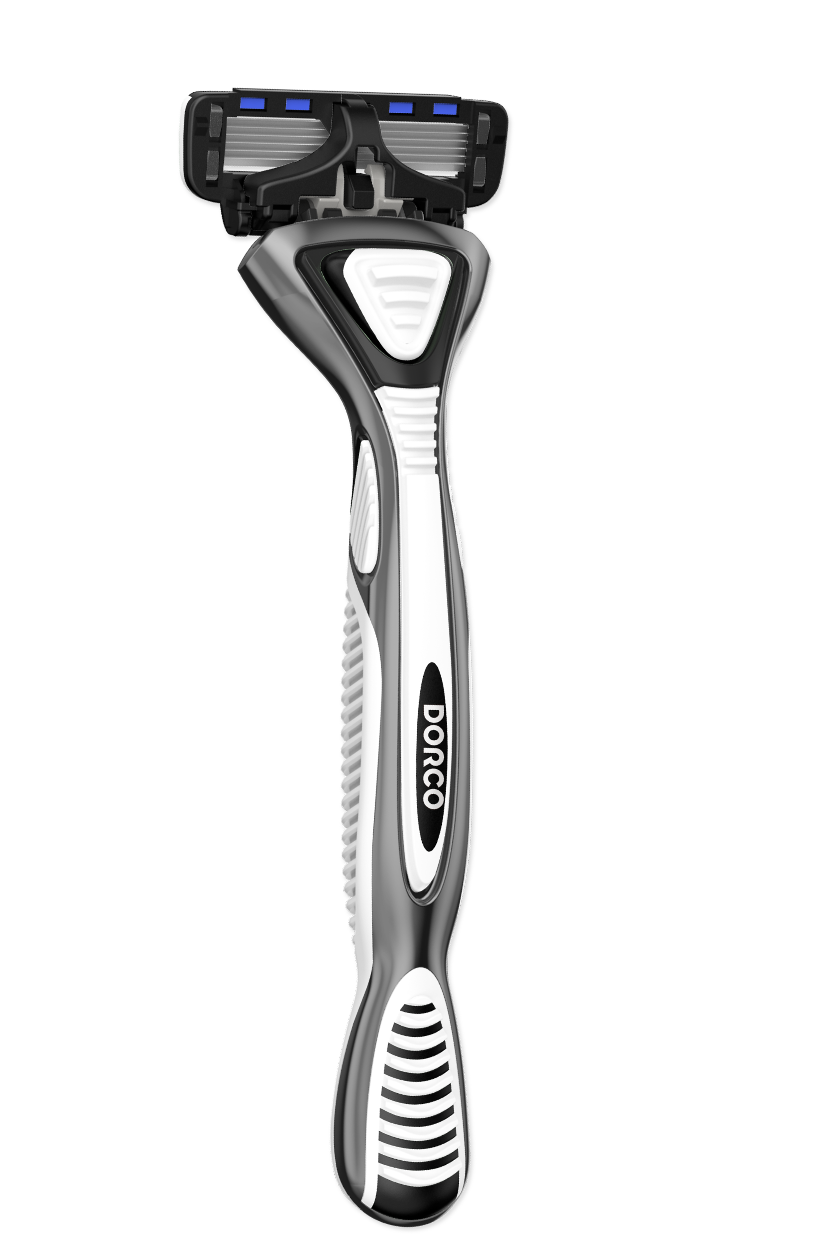
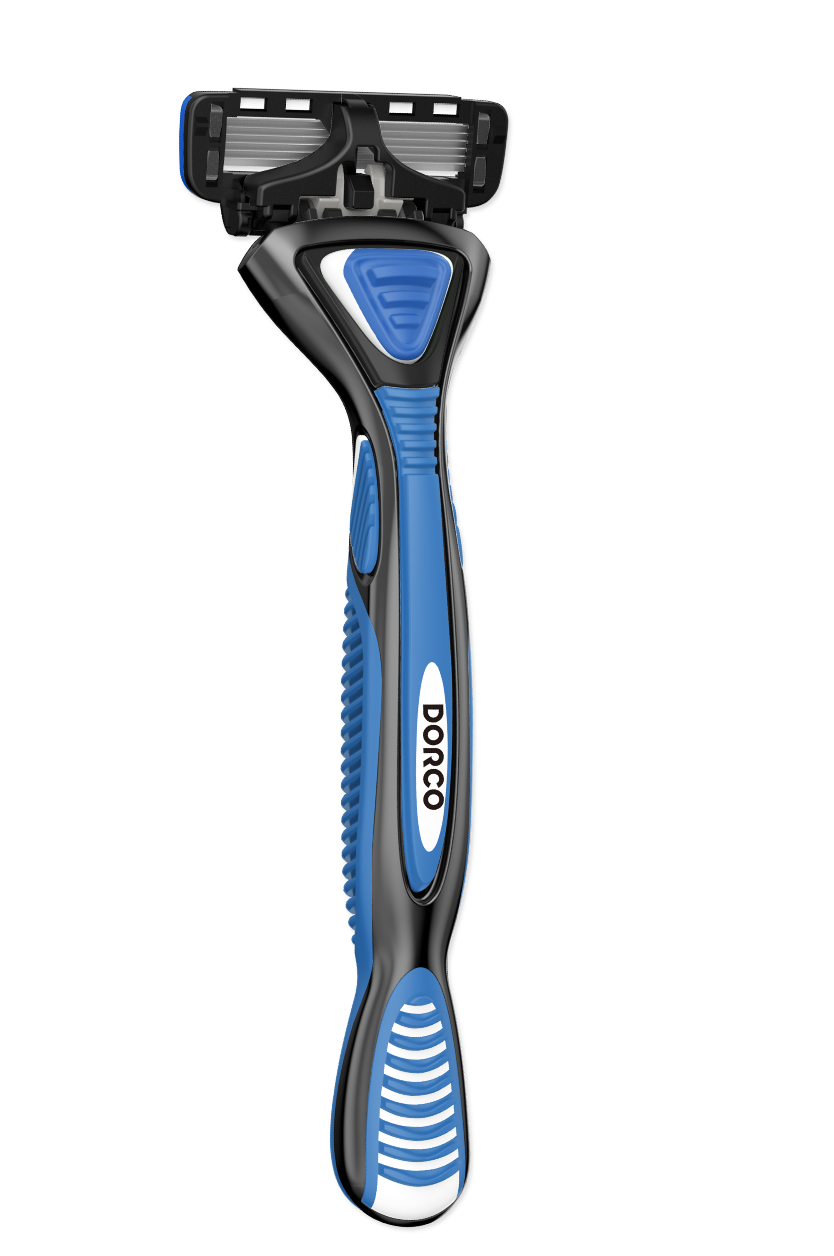
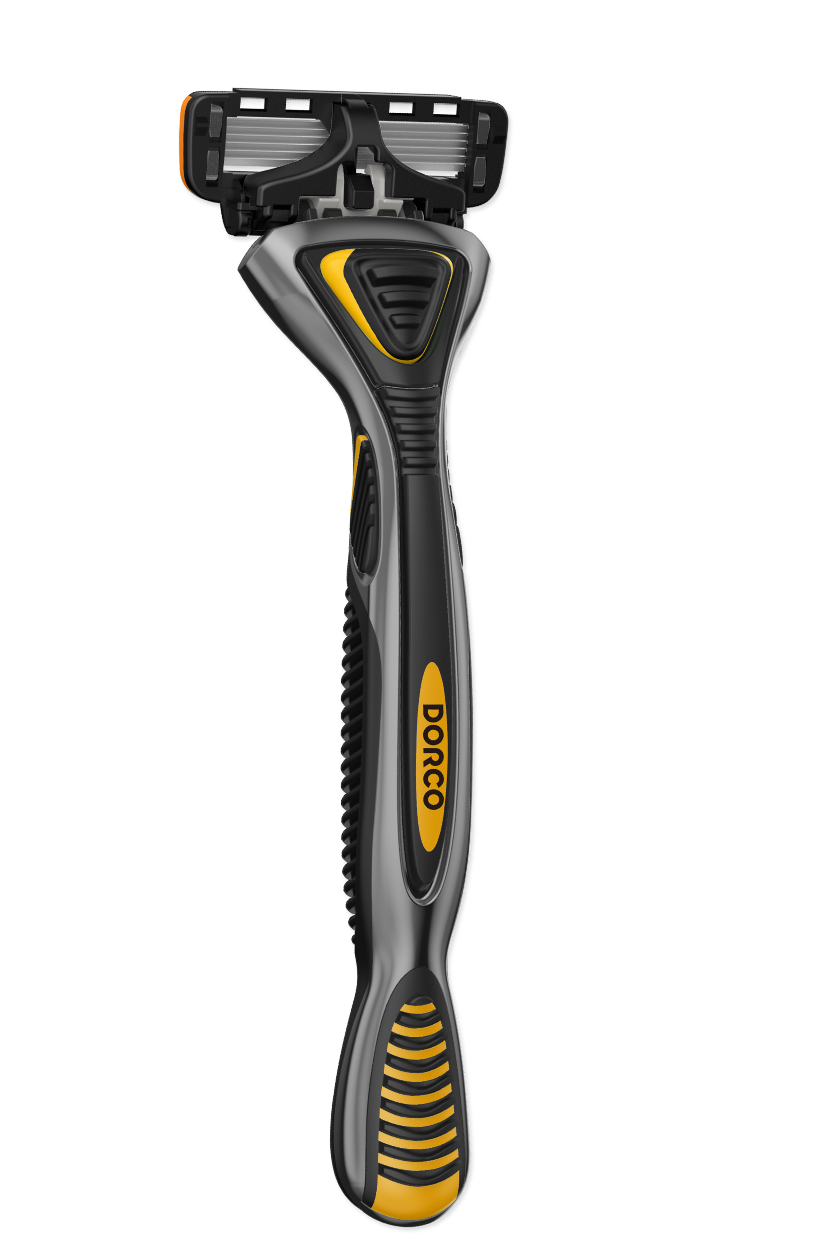
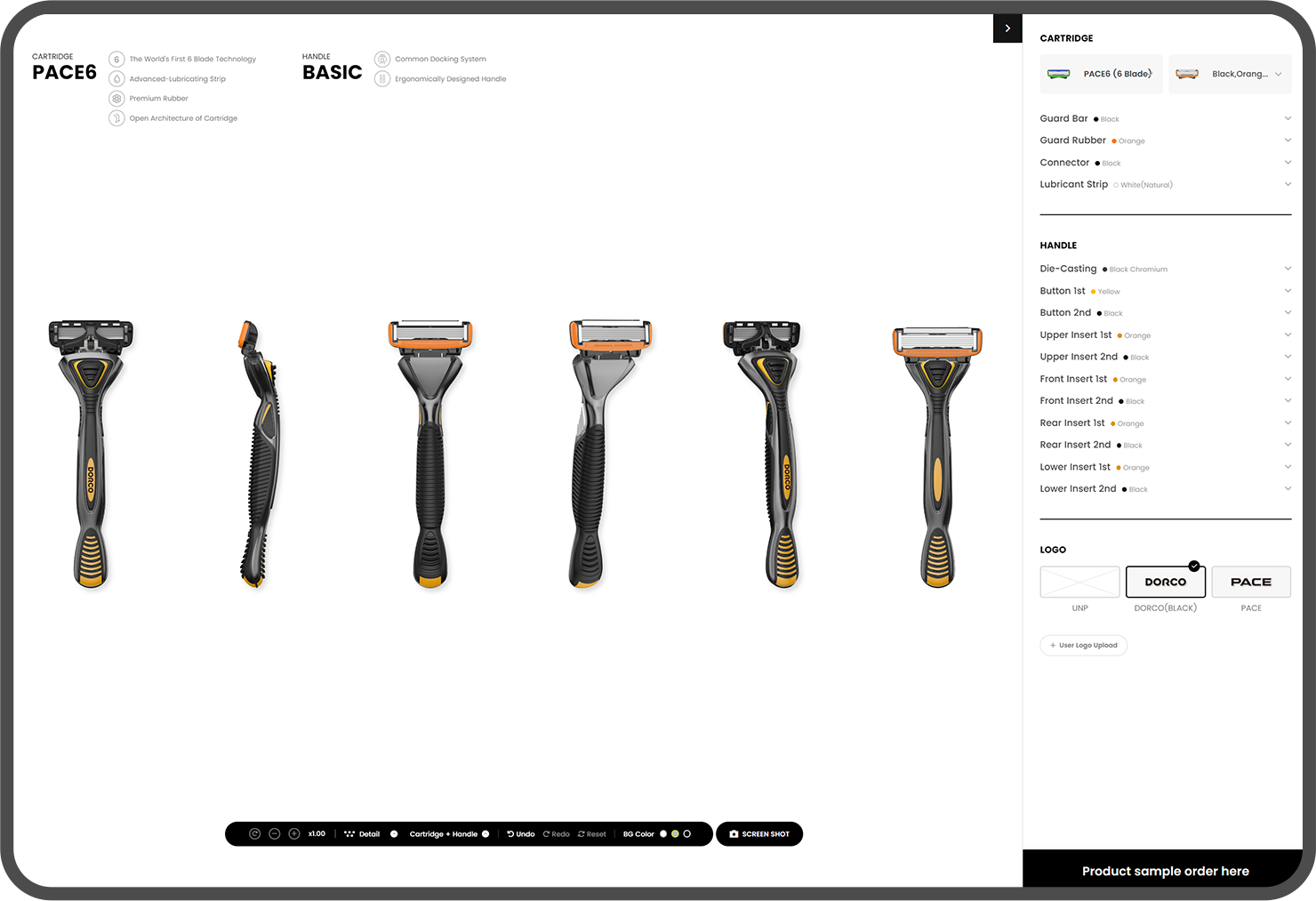
Through a web-based 3D smart catalog, Dorco razors let users view products in real time
and instantly switch to the colors or materials they want to preview the product.
With 360º rotation and zoom in a 3D environment identical to the real product, users can freely customize the color and material of each part, such as the cartridge, handle, and cover,
to experience a product of their own, making product exploration more intuitive and immersive.
3D Asset Data
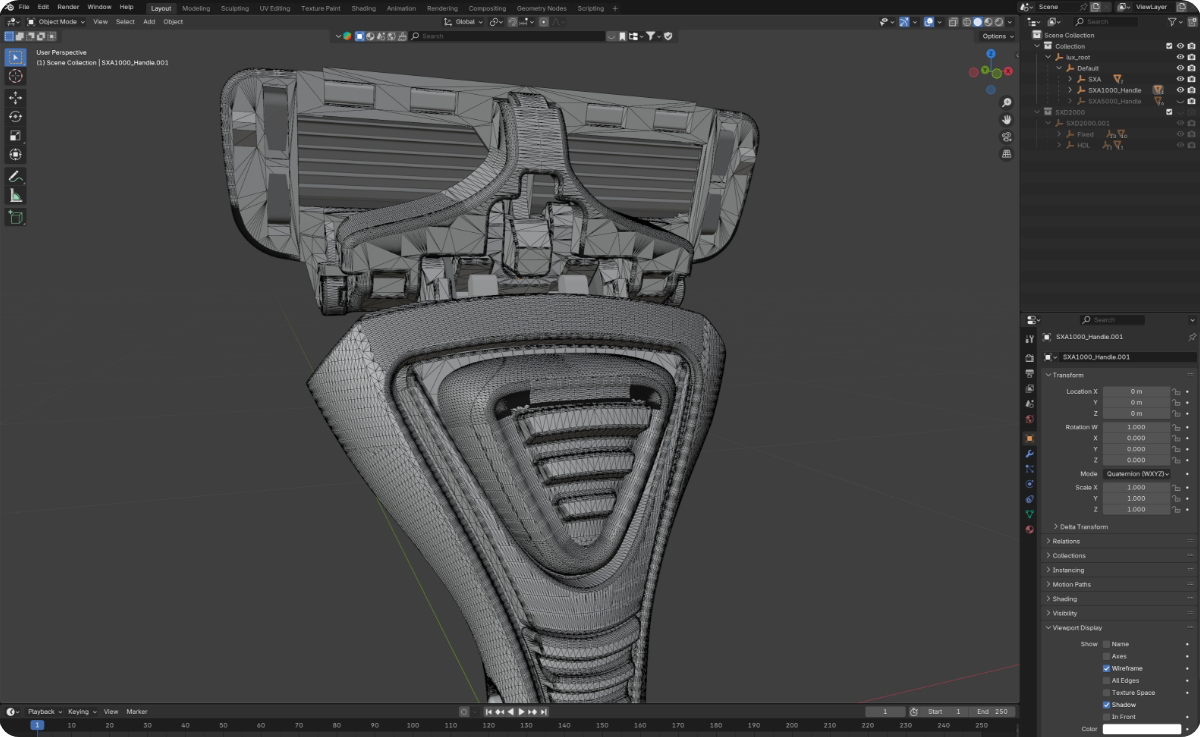
Lightweight 3D product files
By optimizing and simplifying the mesh structure of product model files,
we reduce 3D file size and minimize load times on the web.
This maximizes performance for web-based 3D and enhances the user experience.
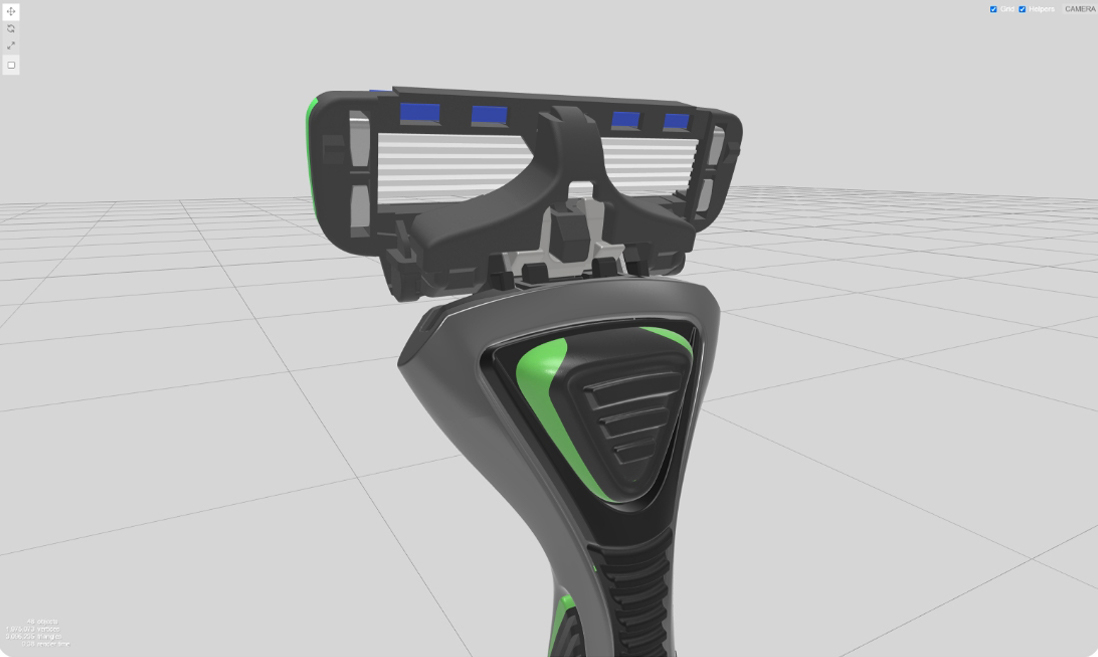
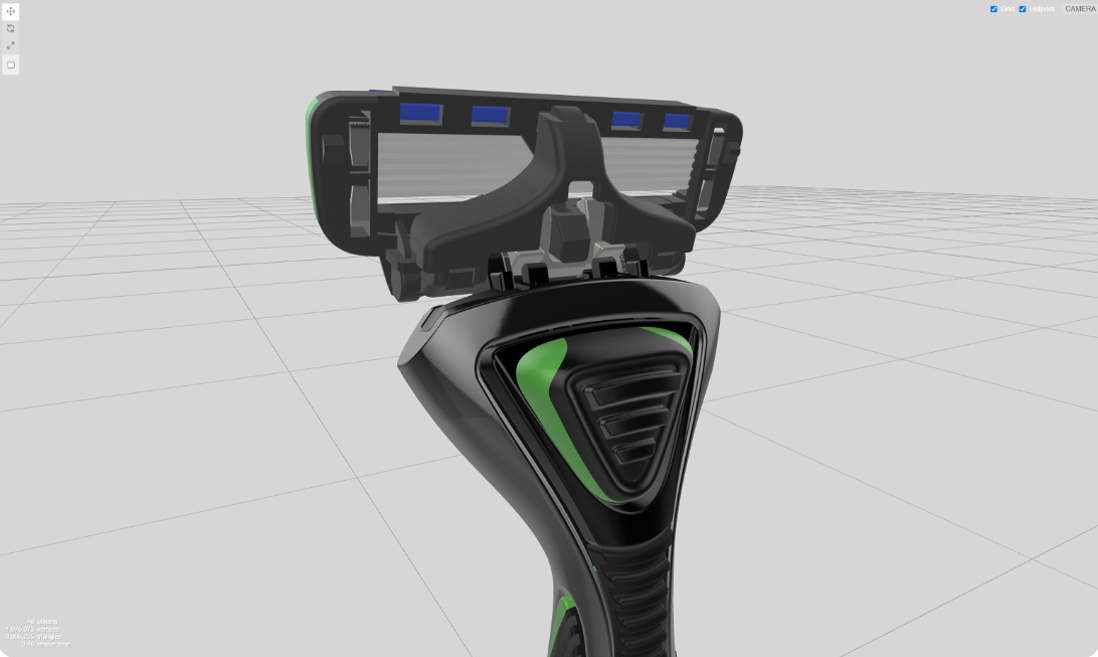
Web environment optimization
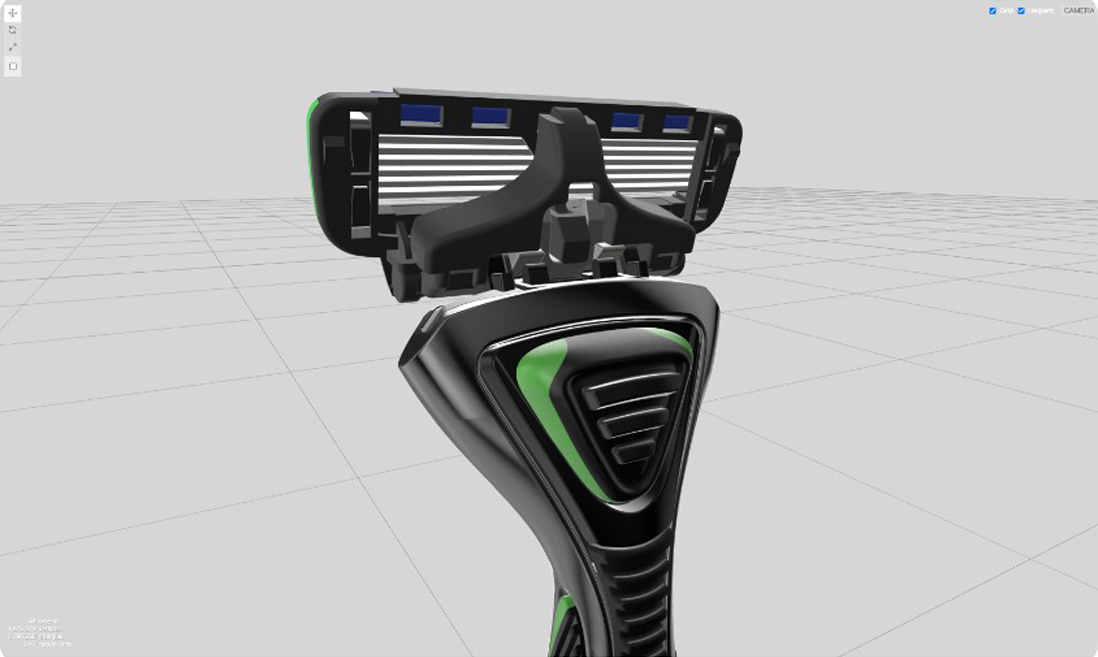
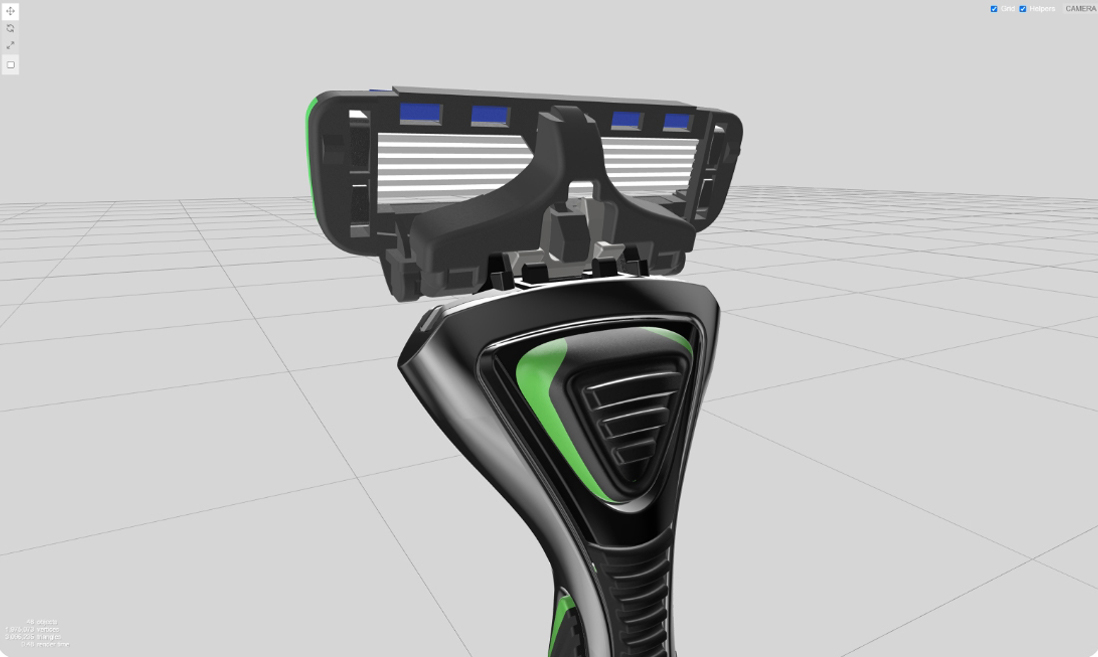
Through rigorous testing across a variety of environment and material conditions,
we optimized the Dorco razor 3D models to load at peak performance.
DYNAMIC DORCO
We asked ourselves how to make the meeting between Dorco and its buyers easier
and more engaging.
CUSTOMIZING
Buyers can change colors and models themselves
and review them right on the web
DYNAMIC
View the selected model through the 3D viewer
in three dimensions from every angle
COMMUNICATION
Ordering through the customizing system enables
smooth communication among Dorco product managers ·
buyers · the production department
FLEXIBLE COMMUNICATION
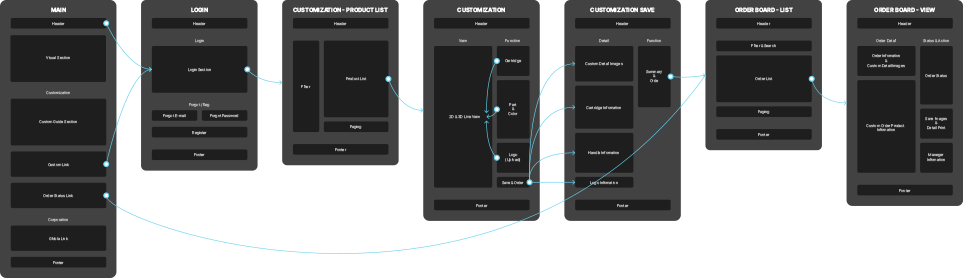
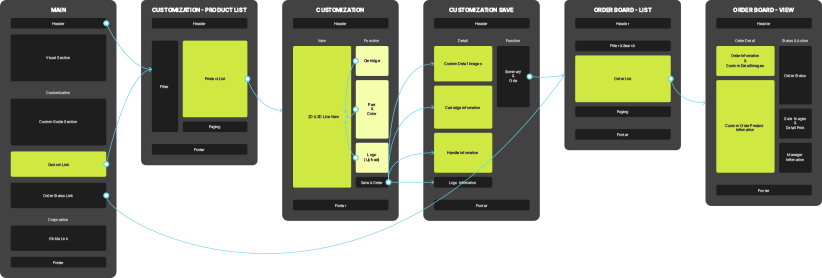
In the design phase, we used image mapping to lay out the complex site structure so that the client and our team could easily understand it,
communicating closely throughout the project.
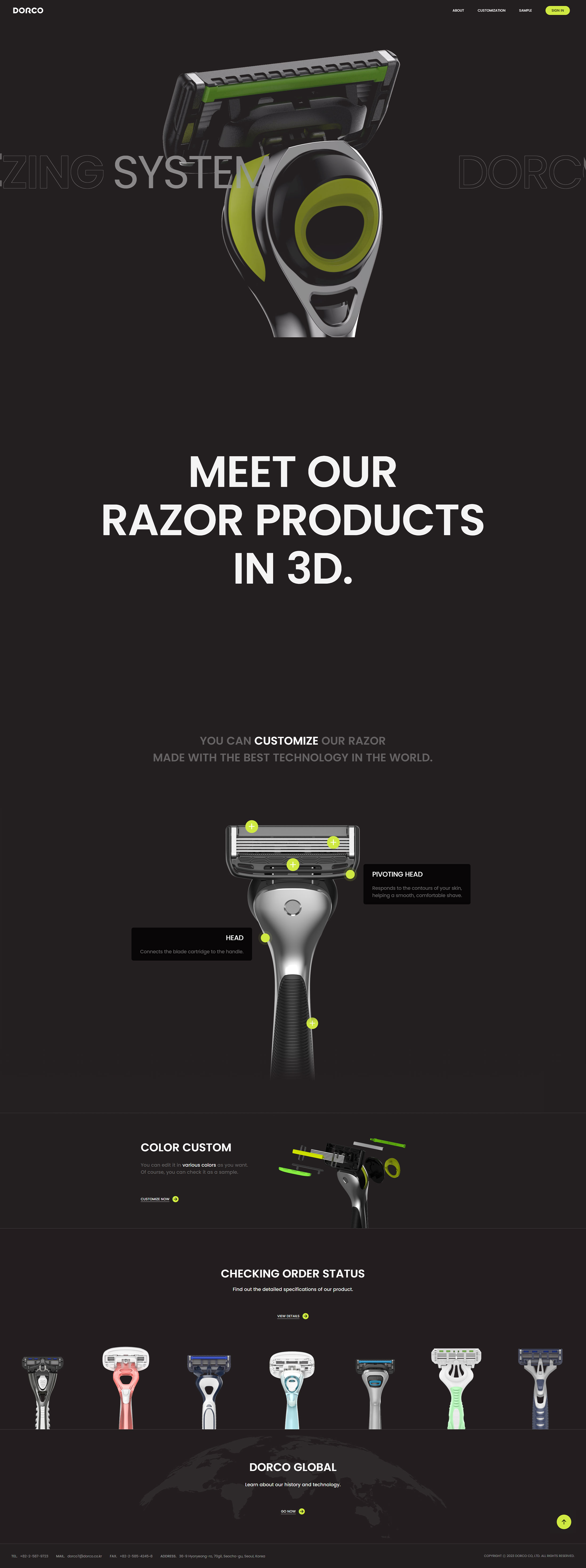
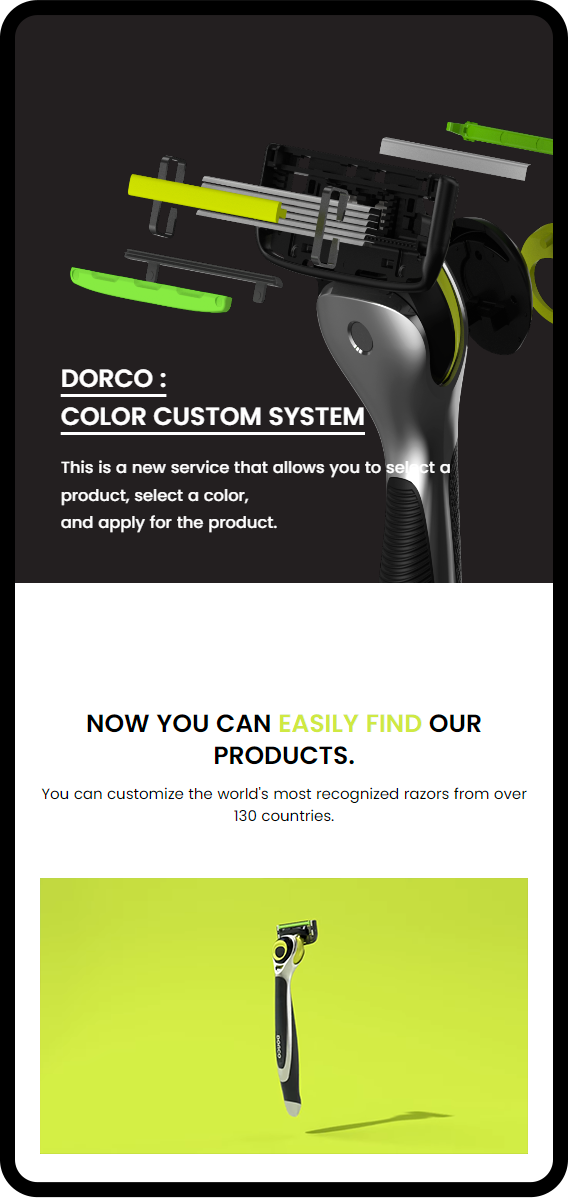
COLOR CUSTOM
SYSTEM
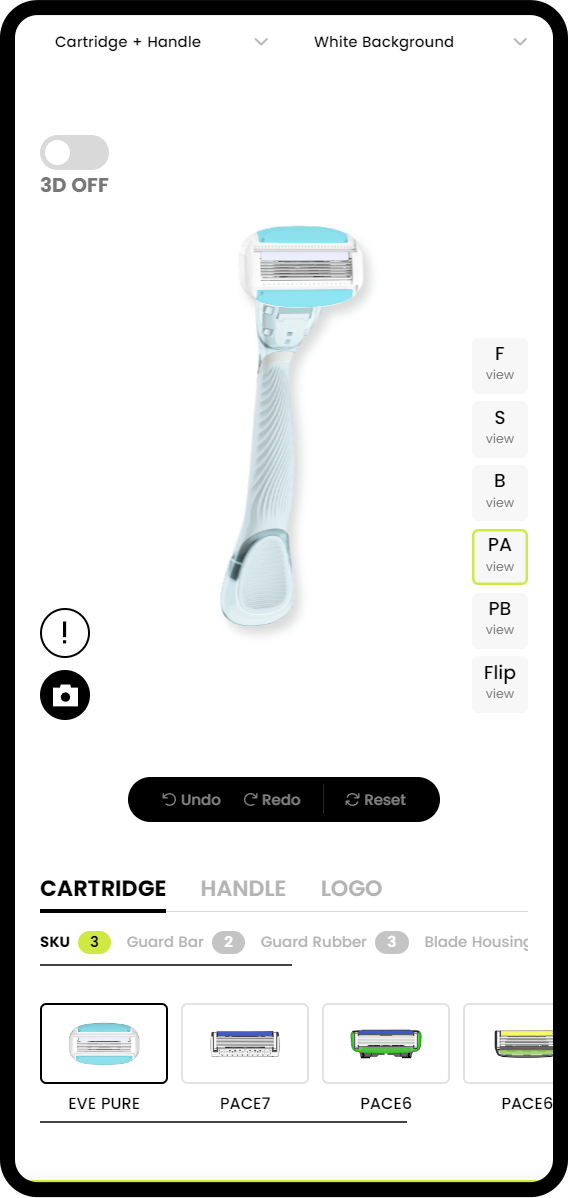
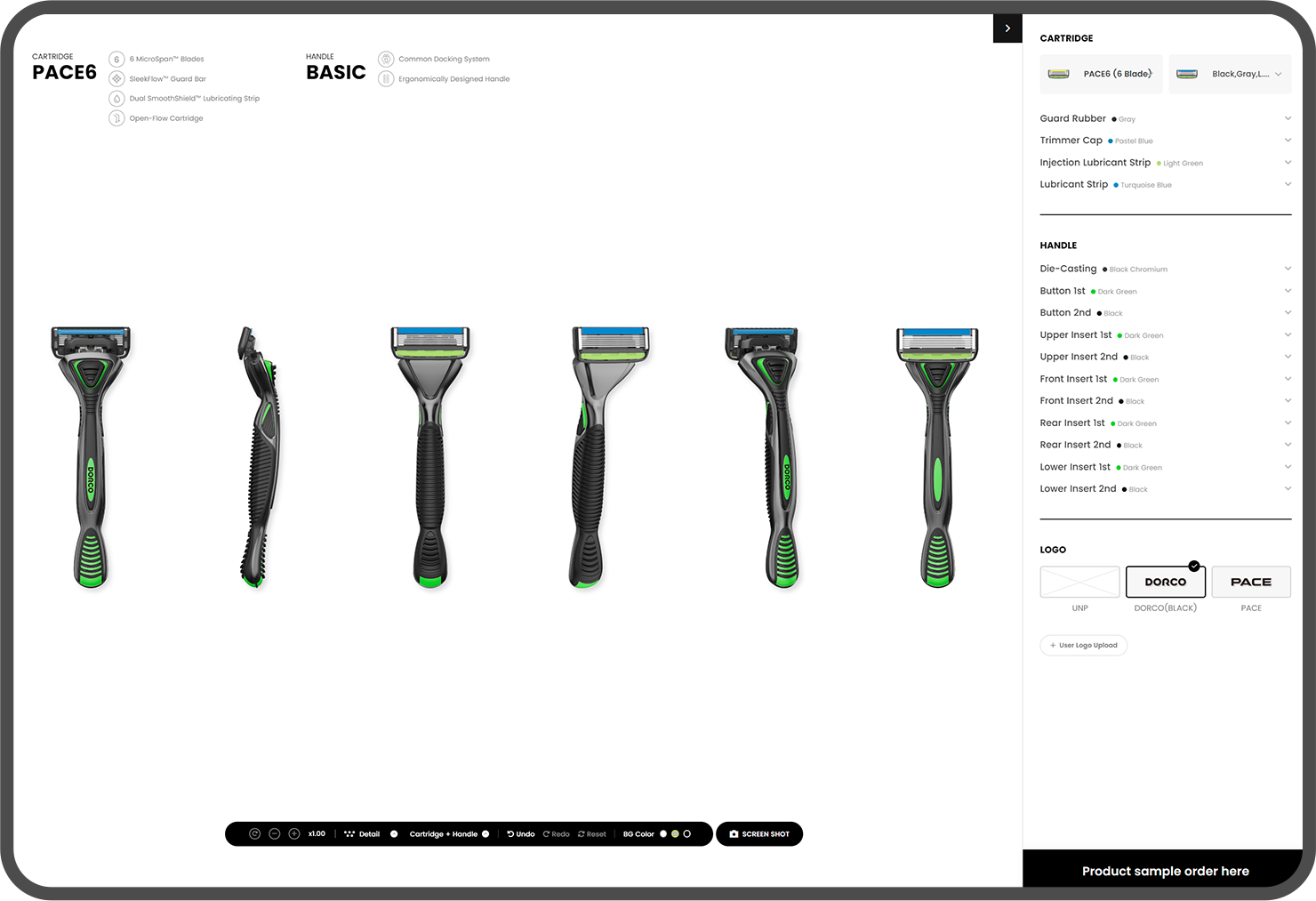
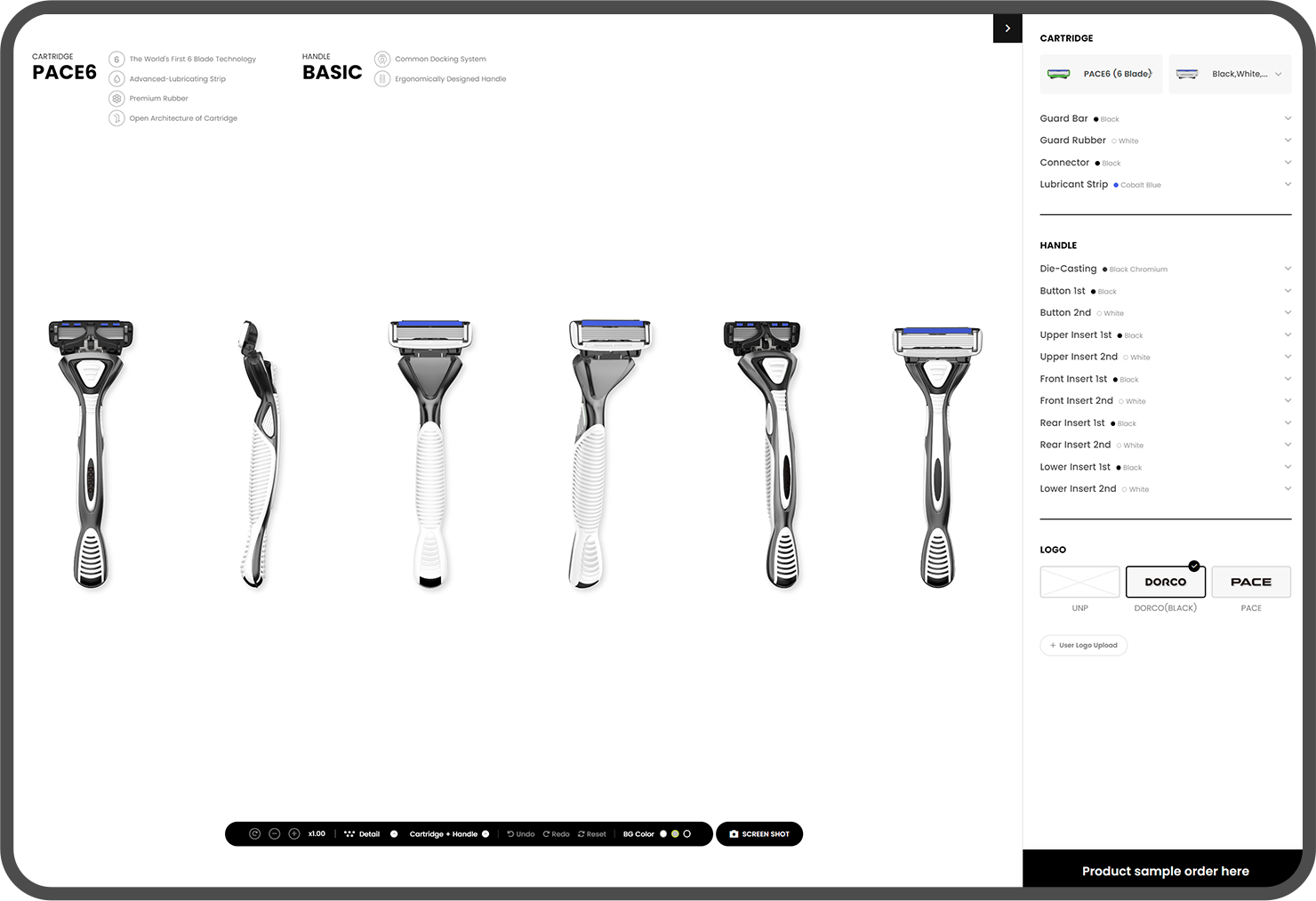
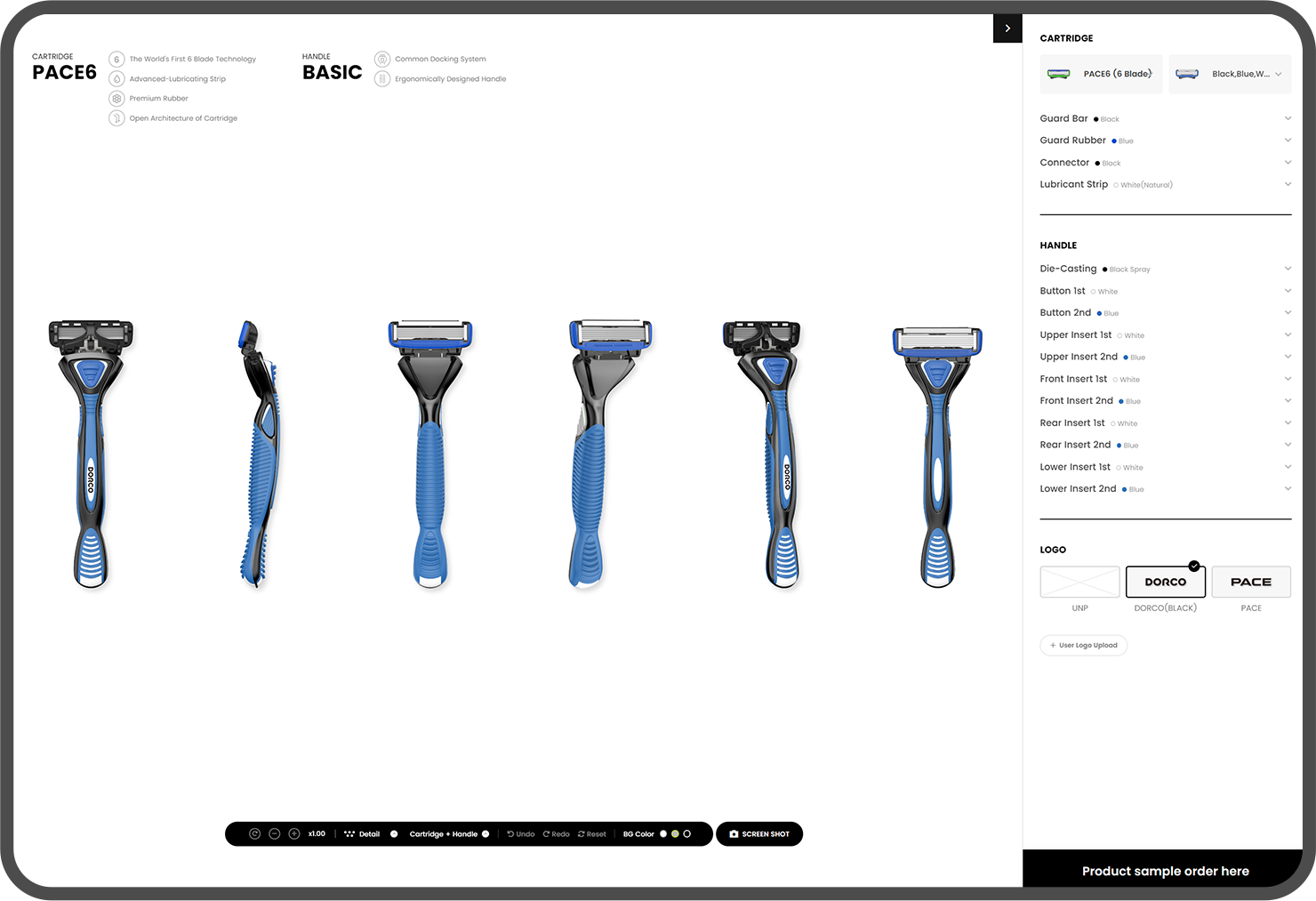
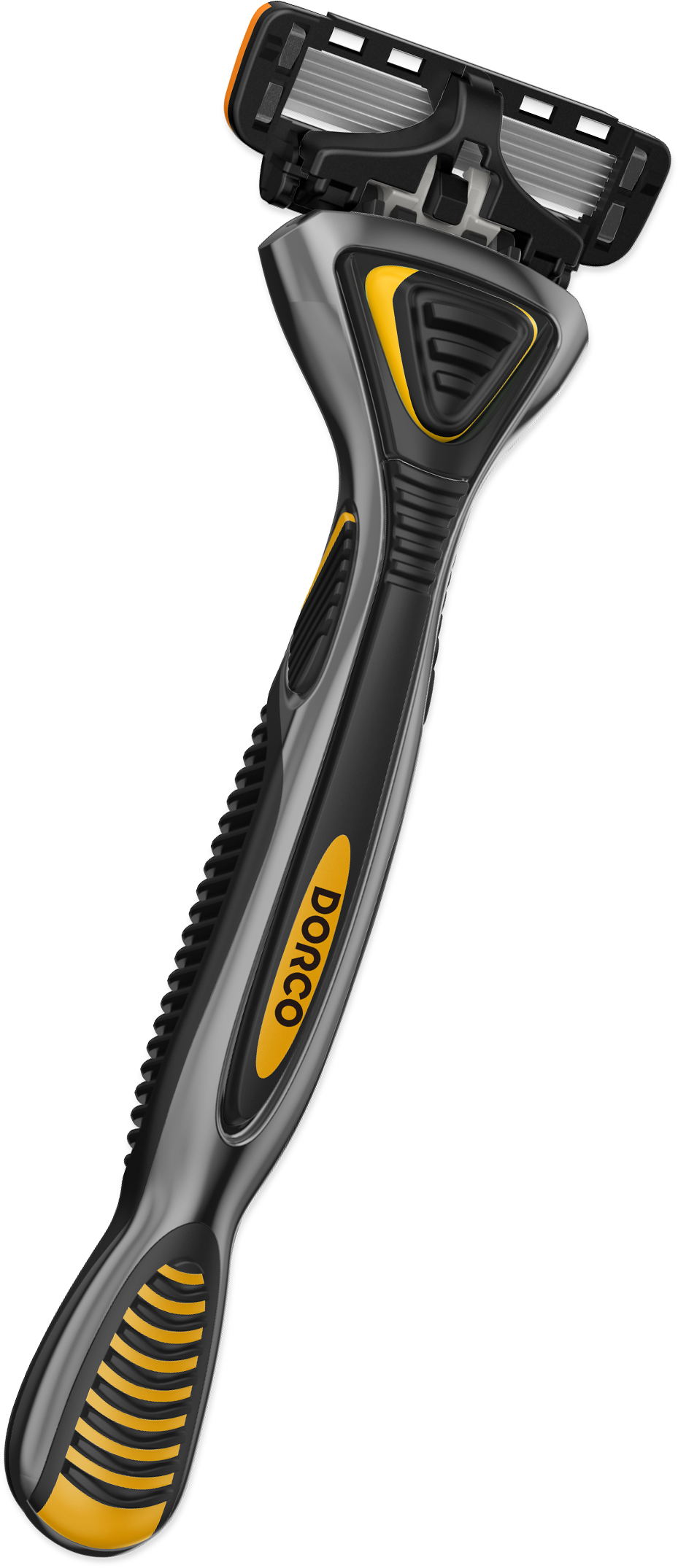
Dorco Custom lets users check products from multiple angles, including Front, Side, Back, and Perspective, on a 2D screen,
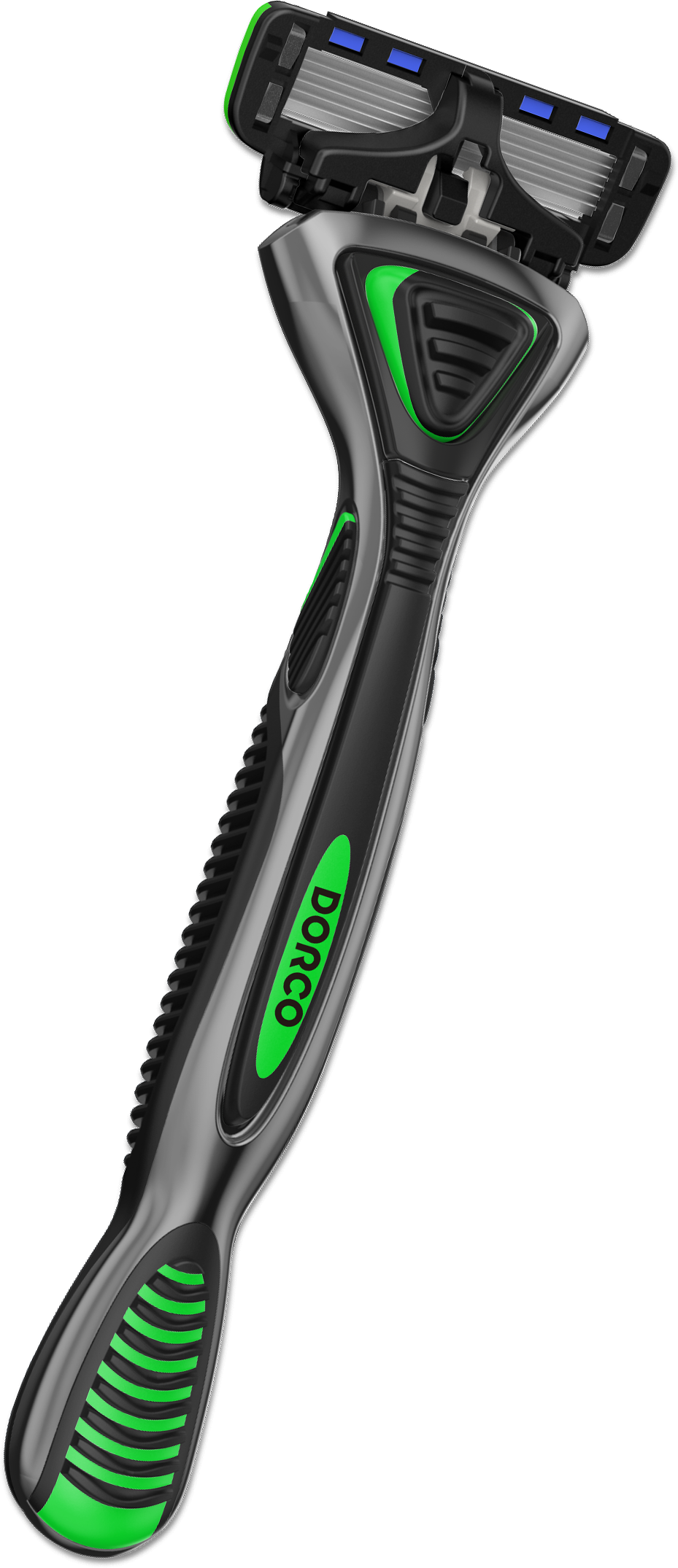
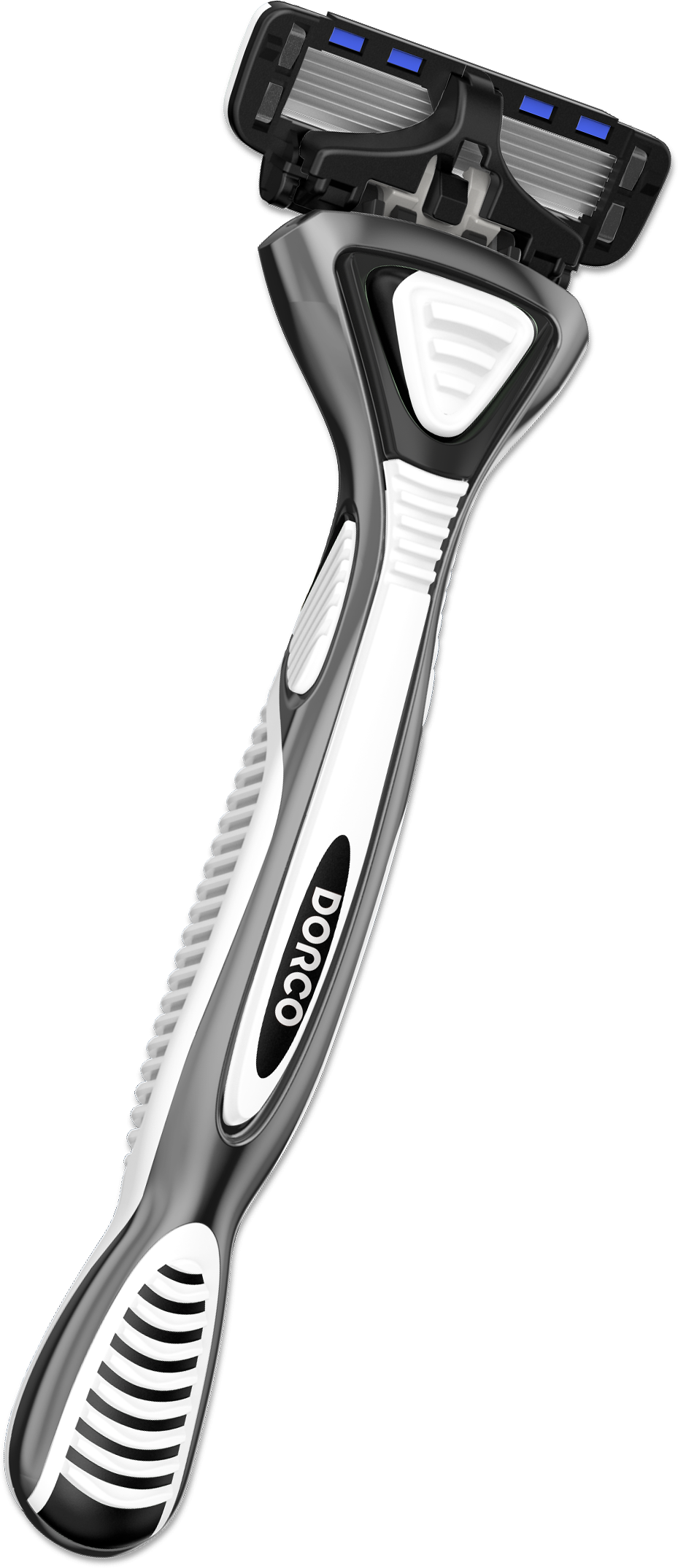
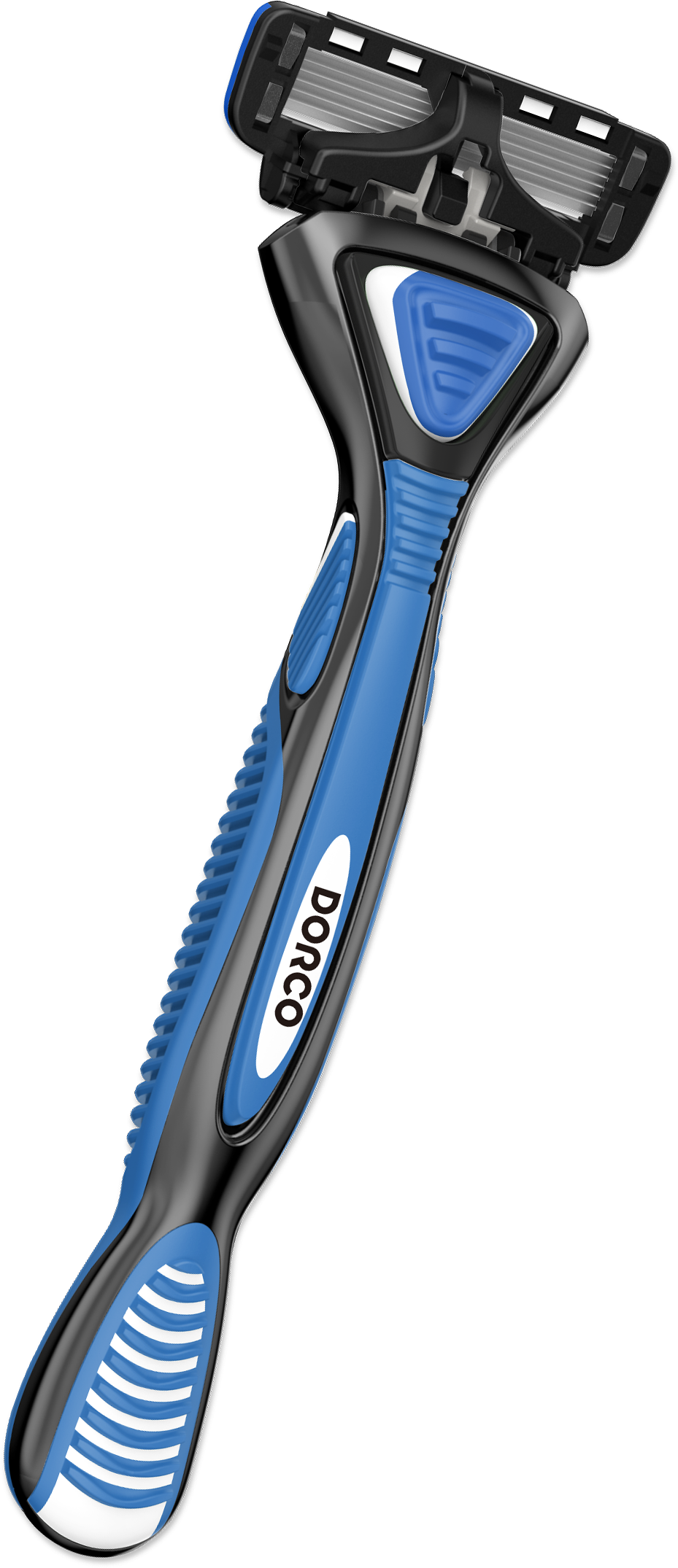
and was built so that the colors of the handle and cartridge parts can be changed.
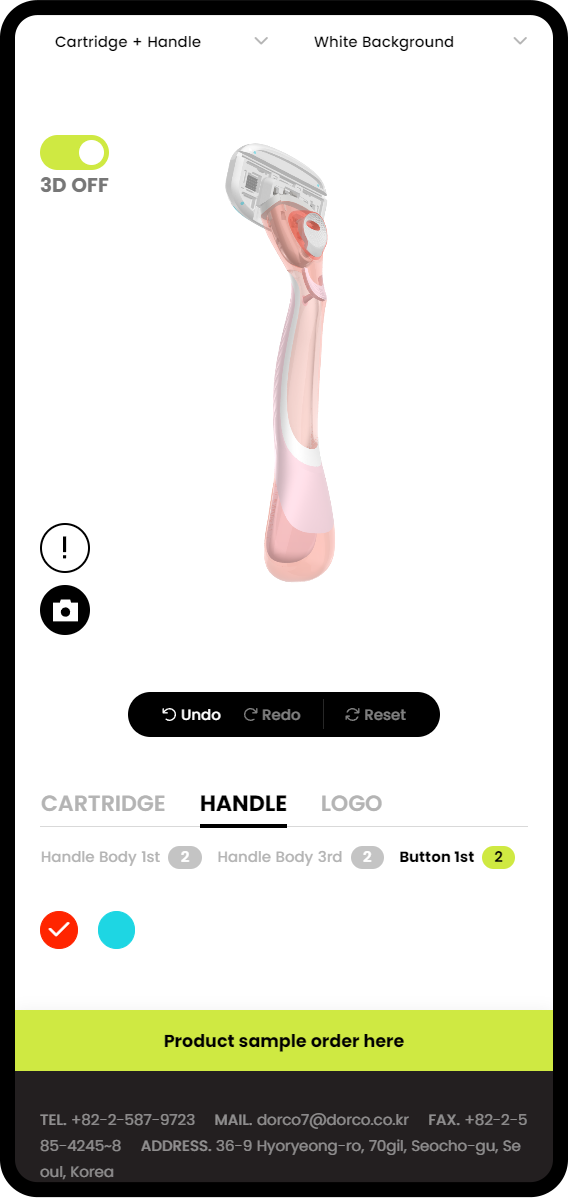
Users can also upload their own logo to try it on the product, and order exactly the product they created on the custom screen.
Custom products ordered this way are also linked to Dorco’s production management system, making DB management easy.
360º
3D VIEWER
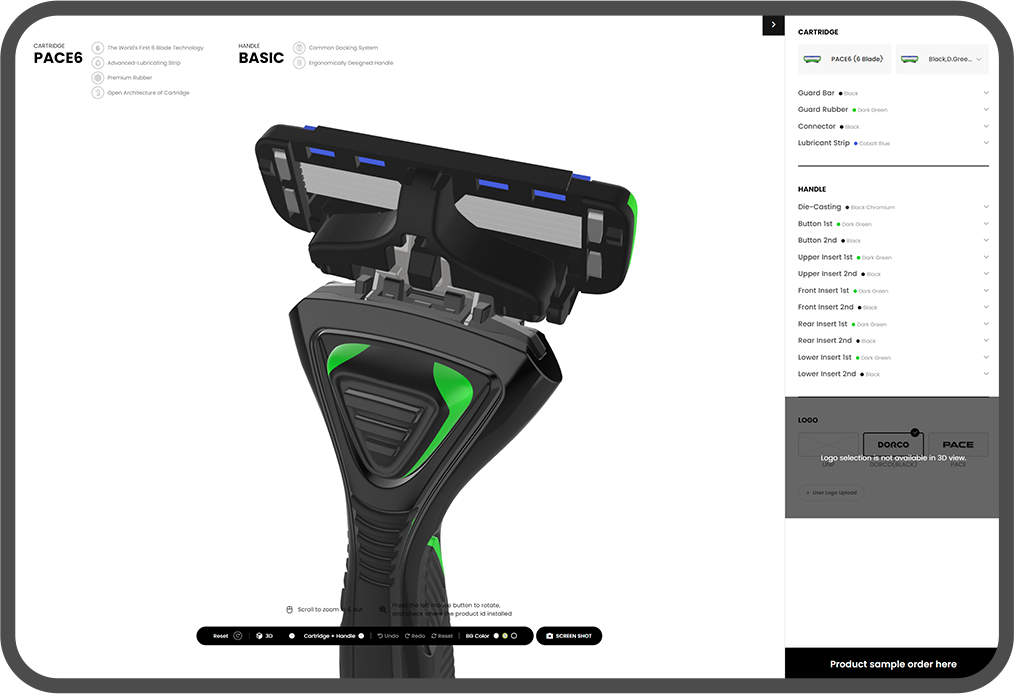
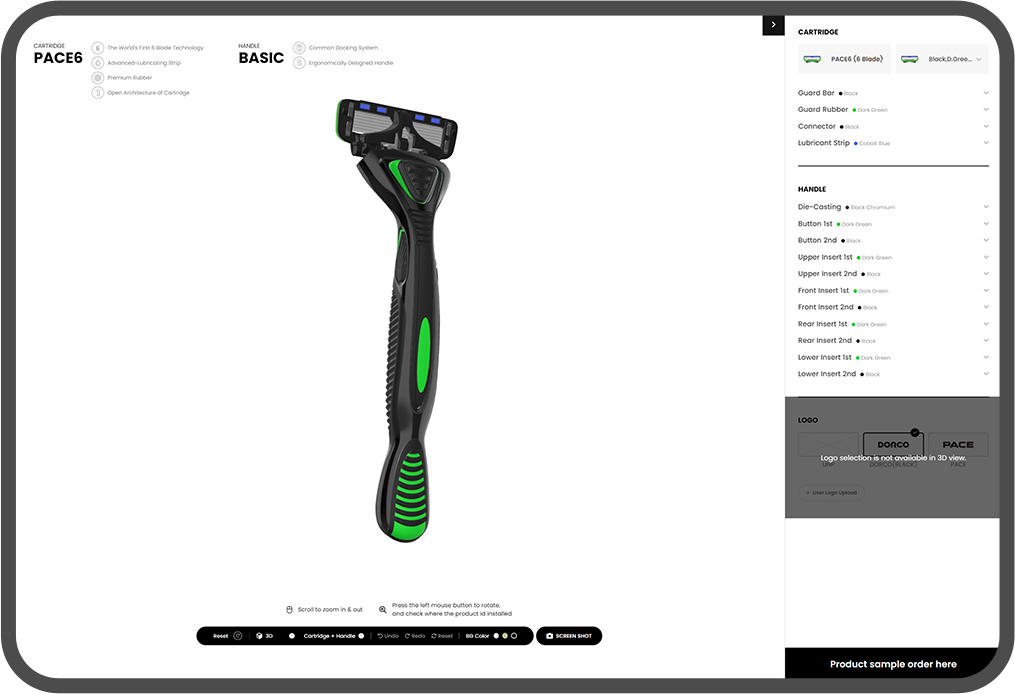
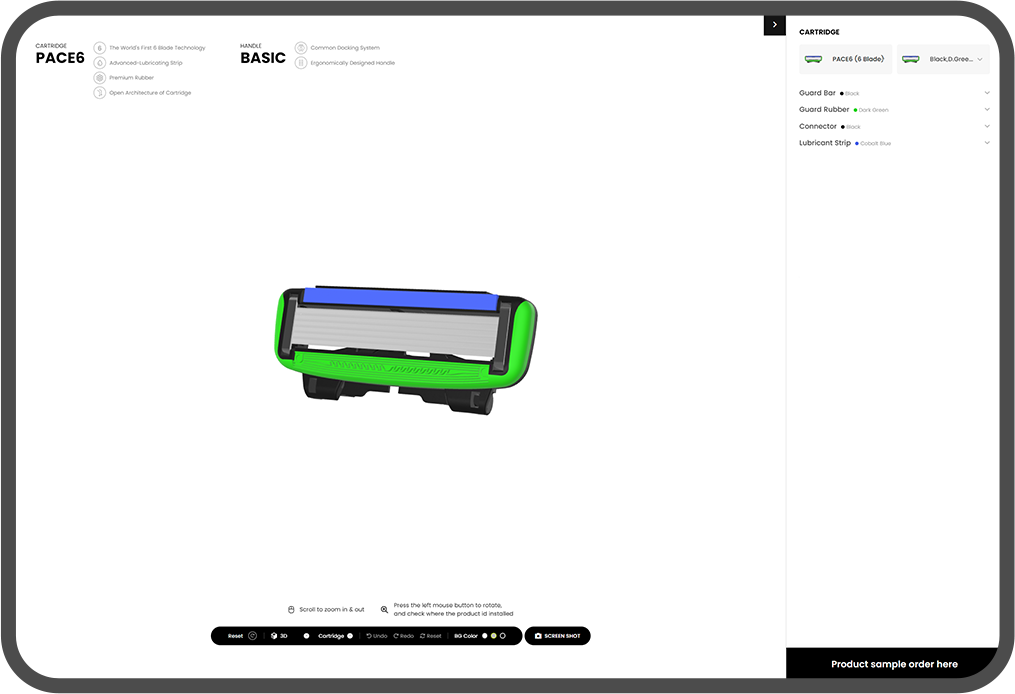
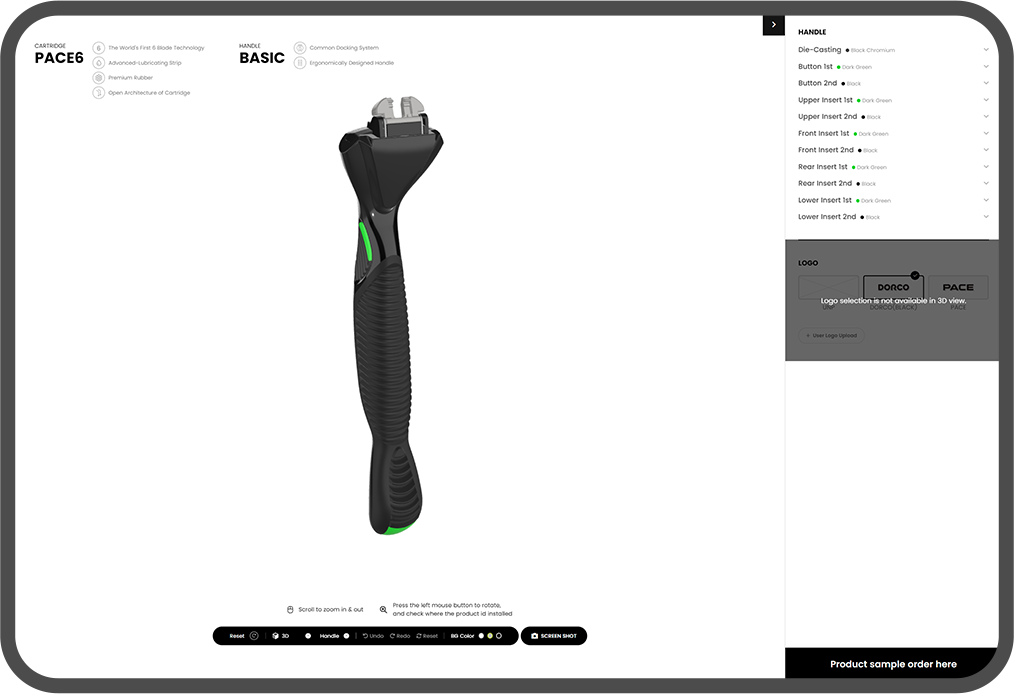
The 3D viewer, paired with 2D customization, lets users rotate products 360º and zoom in and out,
apply custom colors, or separate the handle and cartridge to inspect them.
DORCO CASE STUDY 1
The biggest research challenge of this project was letting everyday users freely rotate 360º and zoom Dorco razor 3D images, previously viewable only in specialized software, right on a web page,
and customize them in the colors and materials they want.
We explored many approaches with Three.js, which enables 3D on web pages, and after countless tests
arrived at the environment values and file settings that best express Dorco products, so they can be viewed on the web without specialized software.
01
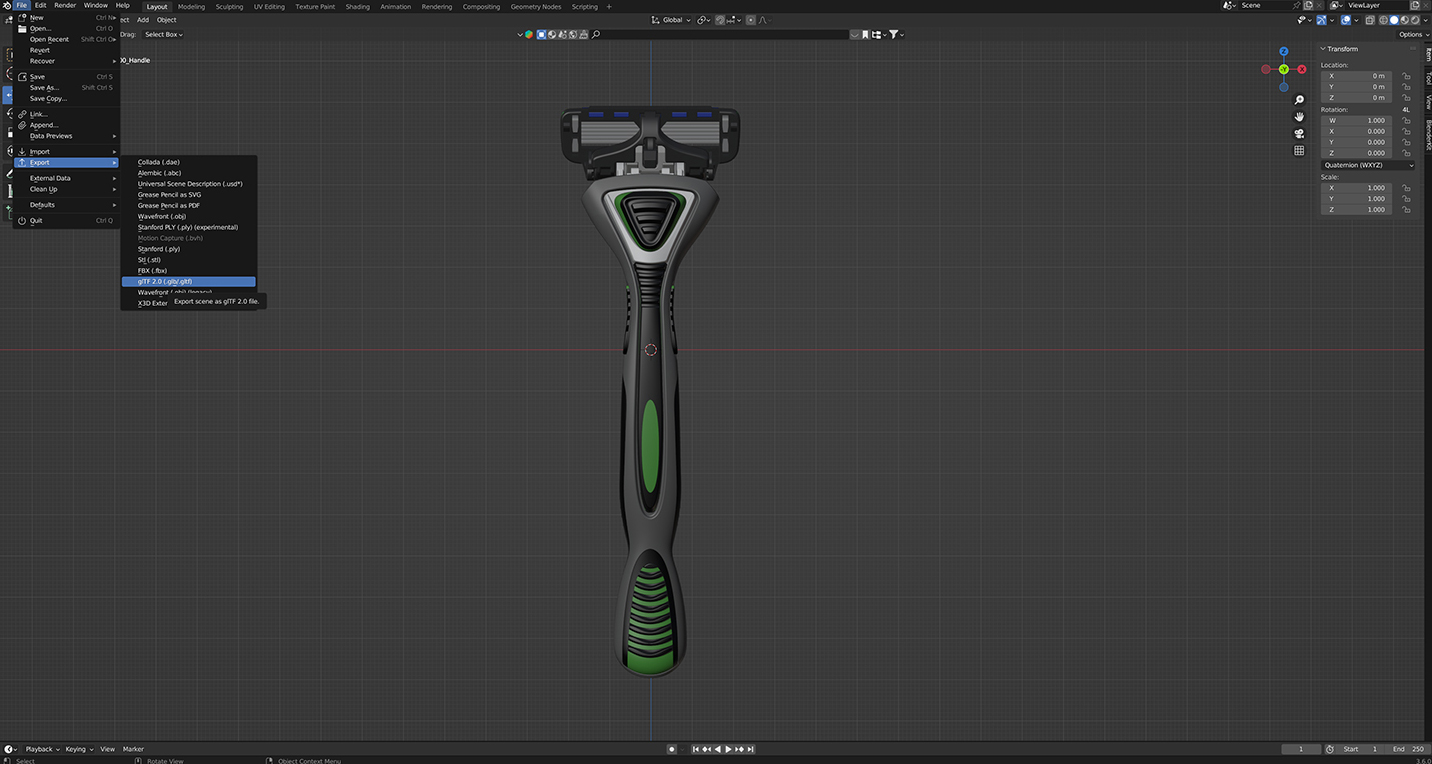
We converted the existing 3D files to GLTF so the 3D models could load in Three.js.
During conversion, we also simplified the model’s mesh structure to lighten it, minimizing issues when the GLTF files render on the web.
02
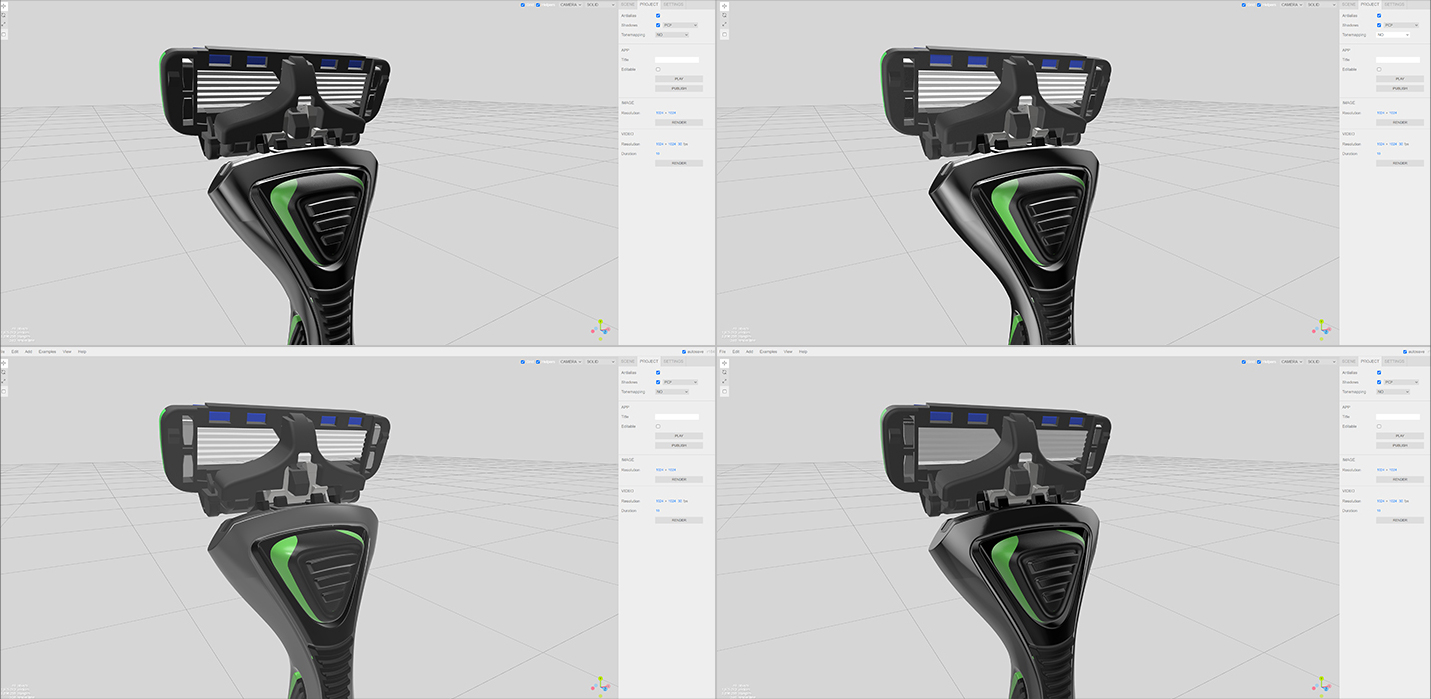
We ran countless environment and material tests on how GLTF renders in Three.js so that the Dorco razor data loads in optimal condition.
03
We applied the tested Three.js setup to the Dorco customizing page so that, even without 3D software,
users can rotate products 360º on the web and freely change the material and color of each part.
DORCO CASE STUDY 2
To lighten the data for the countless 2D images required by color customization for each model and part,
we researched an SVG-based imaging method. By separating and recomposing the color, shadow, and light layers of the original renders,
the selected color is applied to the image simply by changing SVG color values as users customize.
DORCO,
PERFECT YOUR
SHAVING EXPERIENCE